
In today’s digital world, email is an essential communication tool, but an overflowing inbox can quickly become overwhelming. Managing your emails effectively not only saves time but also helps reduce stress. Whether you receive dozens or hundreds of emails daily, keeping your inbox under control is achievable with some practical strategies.
Why Keeping Your Emails Under Control Matters
An unmanaged inbox can lead to missed messages, delayed responses, and a feeling of being constantly behind. On the other hand, a well-organized email system helps you prioritize important tasks, respond promptly, and maintain a clear mind.
Step 1: Set Up an Effective Email Organization System
Use Folders and Labels
Create folders or labels to categorize your emails. Common categories include Work, Personal, Newsletters, Receipts, and To-Do. This way, you can quickly find emails and avoid clutter.
Archive Regularly
Instead of letting read emails sit in your inbox, archive or move them to the appropriate folders. Archiving keeps your inbox clear but still allows access to old emails when needed.
Step 2: Prioritize and Respond Efficiently
Apply the “Two-Minute Rule”
If an email can be answered or handled in two minutes or less, do it immediately. This prevents small tasks from piling up.
Use Flags or Stars
Mark important emails that need follow-up or more time to respond. This helps you stay focused on urgent matters without losing track of them.
Step 3: Unsubscribe and Reduce Incoming Emails
Unsubscribe from Unwanted Newsletters
Regularly review promotional emails and newsletters. Unsubscribe from those no longer relevant to reduce clutter.
Use Email Filters
Most email providers offer filters to automatically sort incoming messages into folders. Set up filters to send newsletters or non-urgent emails away from your main inbox.
Step 4: Schedule Specific Times to Check Email
Constantly checking emails interrupts your workflow and increases stress. Instead:
– Set 2-3 specific times daily to check and respond to emails.
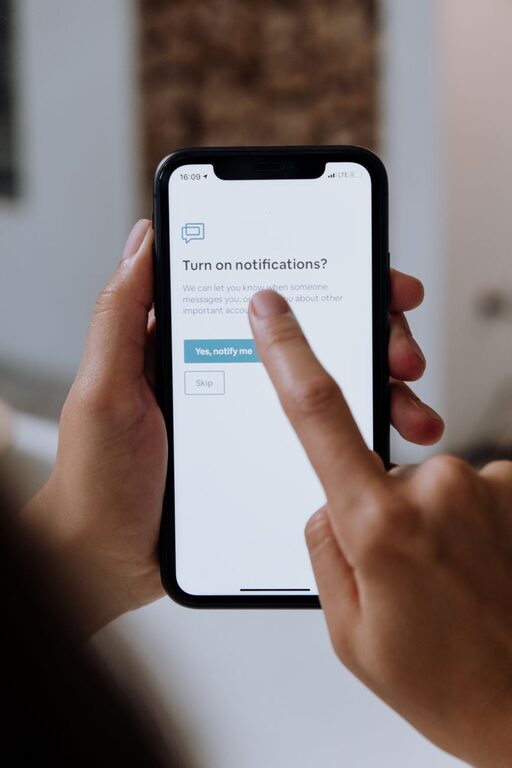
– Turn off notifications outside these times to avoid distractions.
Step 5: Keep Your Replies Clear and Concise
Efficient communication saves time for both you and the recipient. When replying:
– Be clear and to the point.
– Use bullet points or numbered lists for clarity.
– Avoid unnecessary back-and-forth by including all relevant information.
Step 6: Use Tools and Apps to Help Manage Your Inbox
Several tools can boost your email productivity:
– Email Clients with Smart Features: Apps like Outlook and Gmail have built-in sorting and prioritization.
– Third-Party Productivity Apps: Tools like Boomerang or SaneBox help schedule emails or clean up your inbox automatically.
Step 7: Regular Maintenance and Review
Set aside time weekly or monthly to:
– Delete outdated emails.
– Reassess folder structure.
– Adjust filters and unsubscribe from new unwanted emails.
Bonus Tips for Email Etiquette
– Use descriptive subject lines to make emails easier to find.
– Reply promptly to urgent emails.
– Avoid using “Reply All” unless necessary.
Conclusion
Managing your emails doesn’t have to be stressful. By organizing your inbox, prioritizing tasks, minimizing distractions, and using helpful tools, you can keep your emails under control. Implementing these strategies will not only improve your productivity but also reduce the anxiety often linked with email overload.
Start today with one or two changes, and enjoy a cleaner, calmer inbox tomorrow!
About the Author