
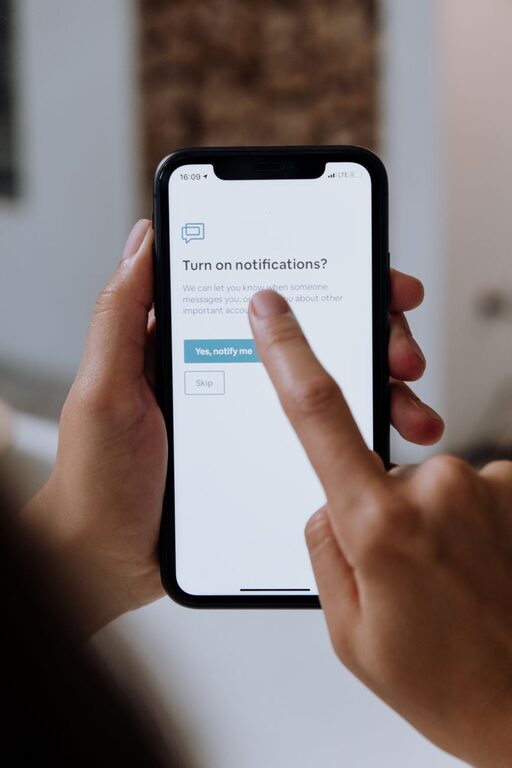
In today’s digital world, notifications from our devices can easily become overwhelming. While notifications are designed to keep us informed, they often interrupt our flow and reduce productivity. Setting boundaries with notifications is essential for maintaining focus, managing time effectively, and improving overall well-being.
This post covers practical tips to help you regain control over your notifications and create clear boundaries that support your daily goals.
Why Setting Boundaries with Notifications Matters
Notifications can be helpful reminders, but constant alerts make it difficult to concentrate. Here are some common challenges caused by excessive notifications:
– Frequent interruptions that break concentration
– Increased stress and anxiety from constant alerts
– Reduced productivity due to task-switching
– Difficulty separating work and personal life
By setting boundaries and managing notifications mindfully, you can create a more focused, balanced digital environment.
Tips for Setting Boundaries with Notifications
1. Audit Your Notifications
Start by reviewing which apps and services send you notifications. Consider whether each notification is essential or if you can disable it without missing out.
– Go to your device’s notification settings.
– Identify apps with frequent or non-urgent alerts.
– Turn off notifications for apps that don’t require immediate attention, such as games or shopping apps.
Regularly auditing your notifications helps you eliminate unnecessary distractions.
2. Customize Notification Settings by Priority
Most devices allow you to customize notification types and prioritize them. Use these features to ensure only important alerts come through.
– Enable notifications for essential apps like calendar reminders or work communication.
– Set less important apps to silent or badge-only notifications.
– Use “Do Not Disturb” modes with exceptions for calls or messages from key contacts.
Prioritizing notifications ensures you remain informed without being overwhelmed.
3. Schedule ‘Notification-Free’ Times
Establishing dedicated times when notifications are silenced can protect your focus and personal time.
– Use “Do Not Disturb” or focus modes during work hours or study sessions.
– Schedule notification-free periods in the evening or on weekends.
– Inform colleagues and family of your notification boundaries to manage expectations.
Creating phone-free periods supports concentration and relaxation.
4. Limit Social Media and Email Notifications
Social media and email apps are notorious for frequent alerts that aren’t always urgent.
– Turn off push notifications for social media apps.
– Schedule specific times to check emails and social media instead of responding to every notification immediately.
– Use email filtering and prioritize messages from important contacts.
By managing these notifications, you reduce distractions and control your response time.
5. Use Notification Summary or Digest Features
Some devices and apps offer notification summaries that group alerts and deliver them at set times.
– Enable notification summaries to receive batches of notifications instead of constant pings.
– Review grouped notifications during breaks rather than interrupting tasks.
This approach helps you stay organized without constant interruptions.
6. Choose Your Notification Sound Carefully
Certain sounds can increase stress or urgency. Opt for calm, non-alarming tones or silent notifications when possible.
– Use gentle sounds or vibrations instead of loud alerts.
– Customize sounds for high-priority notifications to distinguish them easily.
A well-chosen notification sound can help reduce anxiety caused by alerts.
7. Reflect on Your Notification Habits
Periodically assess how your notification settings impact your productivity and well-being.
– Notice when notifications help versus when they distract.
– Adjust settings as your priorities and routines change.
– Share your experiences and strategies with others for mutual support.
Reflection helps you maintain a balanced and intentional relationship with your devices.
Final Thoughts
Managing notifications is a simple but powerful way to boost focus, reduce stress, and improve work-life balance. By auditing your notifications, setting priorities, scheduling downtime, and customizing settings, you create a healthier digital environment.
Start small by changing one or two settings today and gradually build boundaries that support your lifestyle and goals. With thoughtful management, notifications can serve you — not disrupt you.
—
Implement these tips and enjoy a more focused, balanced day with less distraction from your devices.
About the Author