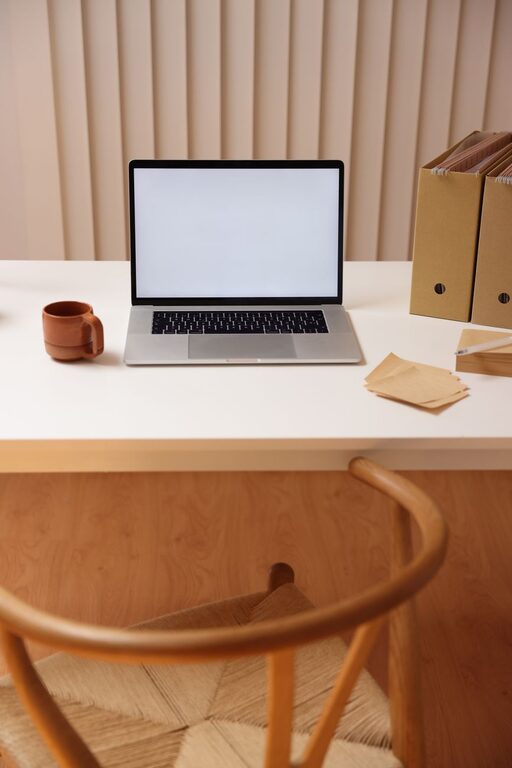
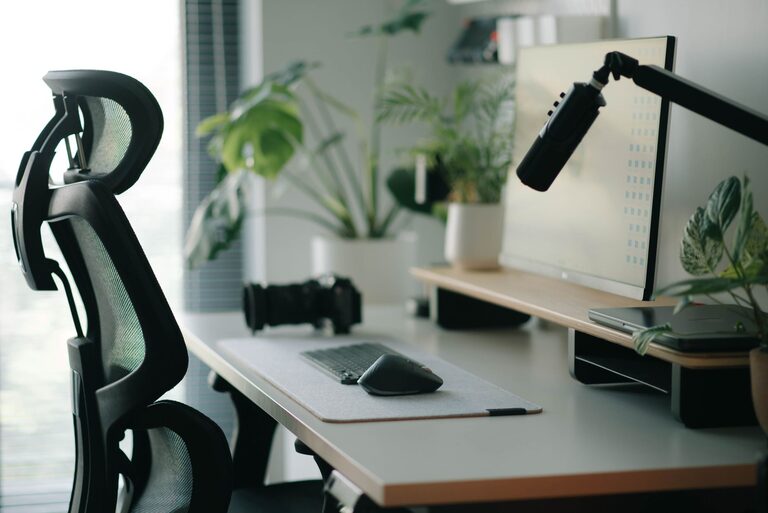
A well-designed desk setup can make a significant difference in your productivity and comfort throughout the day. Whether you work from home or in an office, having a space that supports focus and reduces physical strain is essential. This post shares practical tips to help you create a desk environment that encourages concentration and comfort.
Why Desk Setup Matters
Your desk setup influences how you feel while working. An uncomfortable arrangement can lead to distractions, fatigue, or even physical pain like neck and back discomfort. On the other hand, a thoughtfully arranged workspace promotes better posture, reduces stress, and helps maintain focus for longer periods.
Choosing the Right Desk and Chair
Desk Height and Size
Choose a desk that fits your workspace and allows enough room for your computer, accessories, and any documents you might need. The standard desk height is roughly 28–30 inches, but it’s important that you can comfortably rest your arms while typing.
Ergonomic Chair
Invest in a chair that supports your lower back and encourages good posture. Adjustable features such as seat height, backrest angle, and armrests are ideal. Your feet should rest flat on the floor or on a footrest, and your knees should be at about a 90-degree angle.
Positioning Your Monitor and Devices
Monitor Placement
Place your monitor directly in front of you at about an arm’s length away. The top of the screen should be at or slightly below eye level to prevent neck strain. If you use multiple screens, position them to minimize head turning.
Keyboard and Mouse
Keep your keyboard and mouse close enough to avoid overreaching. Your wrists should remain straight while typing or moving the mouse. Consider using an ergonomic keyboard or a wrist rest for added comfort.
Lighting for Focus and Comfort
Natural light is best, so position your desk near a window if possible. Avoid glare on your screen by adjusting blinds or the monitor angle. Use a desk lamp with adjustable brightness to illuminate your workspace without causing eye strain, especially during darker hours.
Organizing Your Desk for Efficiency
Declutter Regularly
A cluttered desk can be distracting. Keep only the essentials on your desk and store other items in drawers or shelves. Regularly cleaning your workspace helps maintain focus.
Use Organizers and Storage
Desk organizers, trays, and pen holders keep supplies neat and easy to find. Cable management solutions reduce tangling and free up desk space.
Incorporating Personal Comfort
Add a Plant or Personal Item
A small plant or a personal photo can make your space more inviting and reduce stress. Just don’t overcrowd your desk with too many items.
Temperature and Air Quality
Ensure your workspace is well-ventilated and at a comfortable temperature. Consider a small fan or space heater if needed.
Taking Breaks and Adjusting Posture
Even with the best setup, it’s important to take regular breaks. Stand up, stretch, and move around every 30 to 60 minutes. Changing posture frequently can prevent stiffness and improve circulation.
Additional Accessories to Consider
– Standing desk or desk converter: Allows you to alternate between sitting and standing.
– Footrest: Supports your feet if they don’t touch the floor comfortably.
– Blue light filter glasses: Helps reduce eye strain from prolonged screen time.
– Noise-cancelling headphones: Useful in noisy environments to improve concentration.
Final Thoughts
Designing a desk setup that supports both focus and comfort involves attention to ergonomics, lighting, organization, and personal preferences. Small changes can lead to big improvements in your workday experience. Experiment with these tips to find what works best for you, and enjoy a more productive, comfortable workspace.
About the Author